Install Docker
Update the repo to get latest versions
sudo apt update
Install the latest version
sudo apt install docker.io
Set Docker to start on startup
sudo systemctl enable --now docker
Give your user permissions to docker, replacing user with your username
sudo usermod -aG docker user
Test it has installed correctly by getting the docker version
docker --version
Installing Docker Compose
This downloads v2.16.0, just change this if the version updates to a later version
sudo curl -L "https://github.com/docker/compose/releases/download/v2.16.0/docker-compose-$(uname -s)-$(uname -m)" -o /usr/local/bin/docker-compose
Give permissions to this
sudo chmod +x /usr/local/bin/docker-compose
Test it has installed correctly by getting the docker-compose version
docker-compose --version
Installing Photoprism
Download the latest docker-compose.yml for Photoprism
wget https://dl.photoprism.org/docker/docker-compose.yml
Change the default admin password in the docker-compose.yml file and also location of pictures if not in ~\Pictures.
sudo nano https://dl.photoprism.org/docker/docker-compose.yml
Find the line
PHOTOPRISM_ADMIN_PASSWORD: "insecure" # PLEASE CHANGE: Your initial admin password (min 4 characters)
And replace it with your own secure password.
PHOTOPRISM_ADMIN_PASSWORD: "NewSecurePassword" # PLEASE CHANGE: Your initial admin password (min 4 characters)
For the photo’s location, find the line
# Multiple folders can be indexed by mounting them as sub-folders of /photoprism/originals:
# - "/mnt/Family:/photoprism/originals/Family"    # [folder_1]:/photoprism/originals/[folder_1]
Under this add the path to your pictures volume, followed by :/photoprism/originals/identifyingname changing identifyingname for something specific to you.
# Multiple folders can be indexed by mounting them as sub-folders of /photoprism/originals:
# - "/mnt/Family:/photoprism/originals/Family"    # [folder_1]:/photoprism/originals/[folder_1]
- "/media/path/to/pictures:/photoprism/originals/identifyingname"
Start the server, this may take a few minutes.
docker-compose up -d
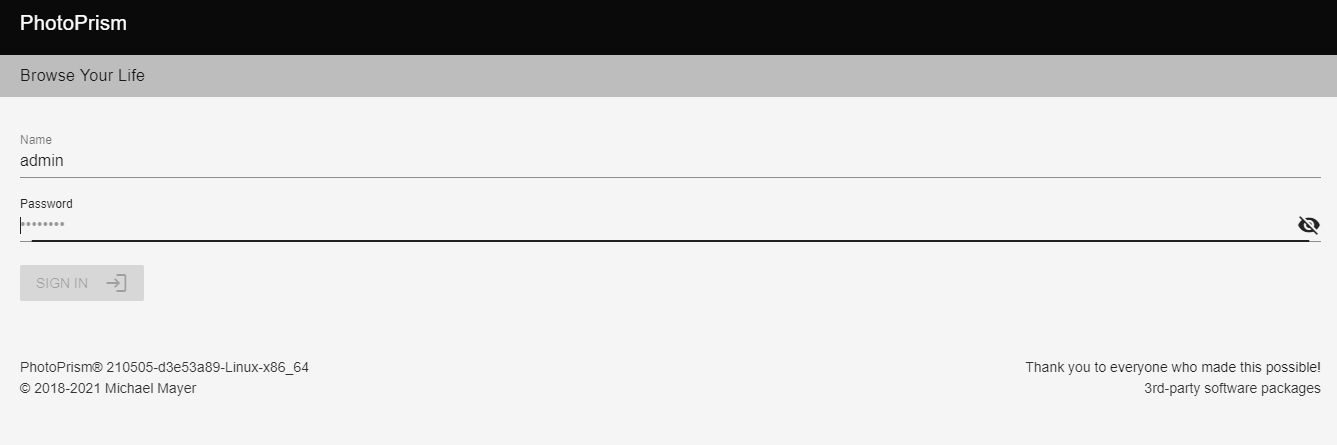
Once complete, browse to http://serverip:2342. You will get the screen below, enter your NewSecurePassword you created in the file above.
Indexing photos
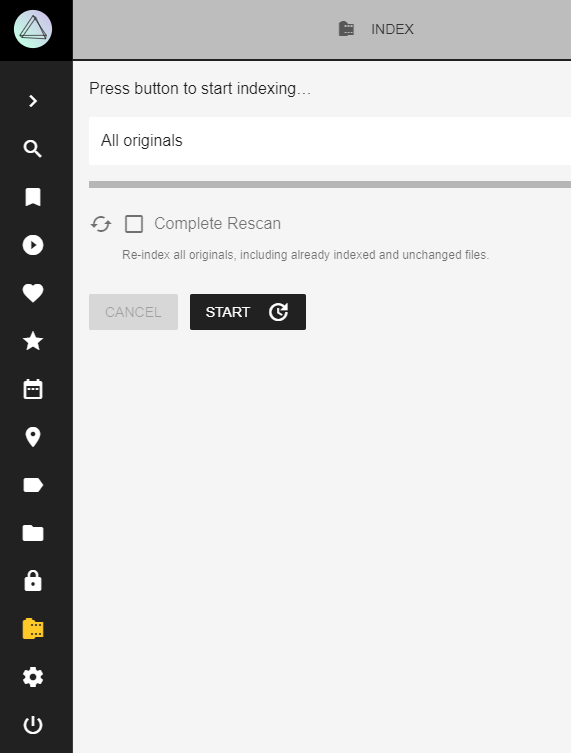
Once logged in, go to Library then press Start. It will start to index your photos, and will take a while especially if you have lots of photos.